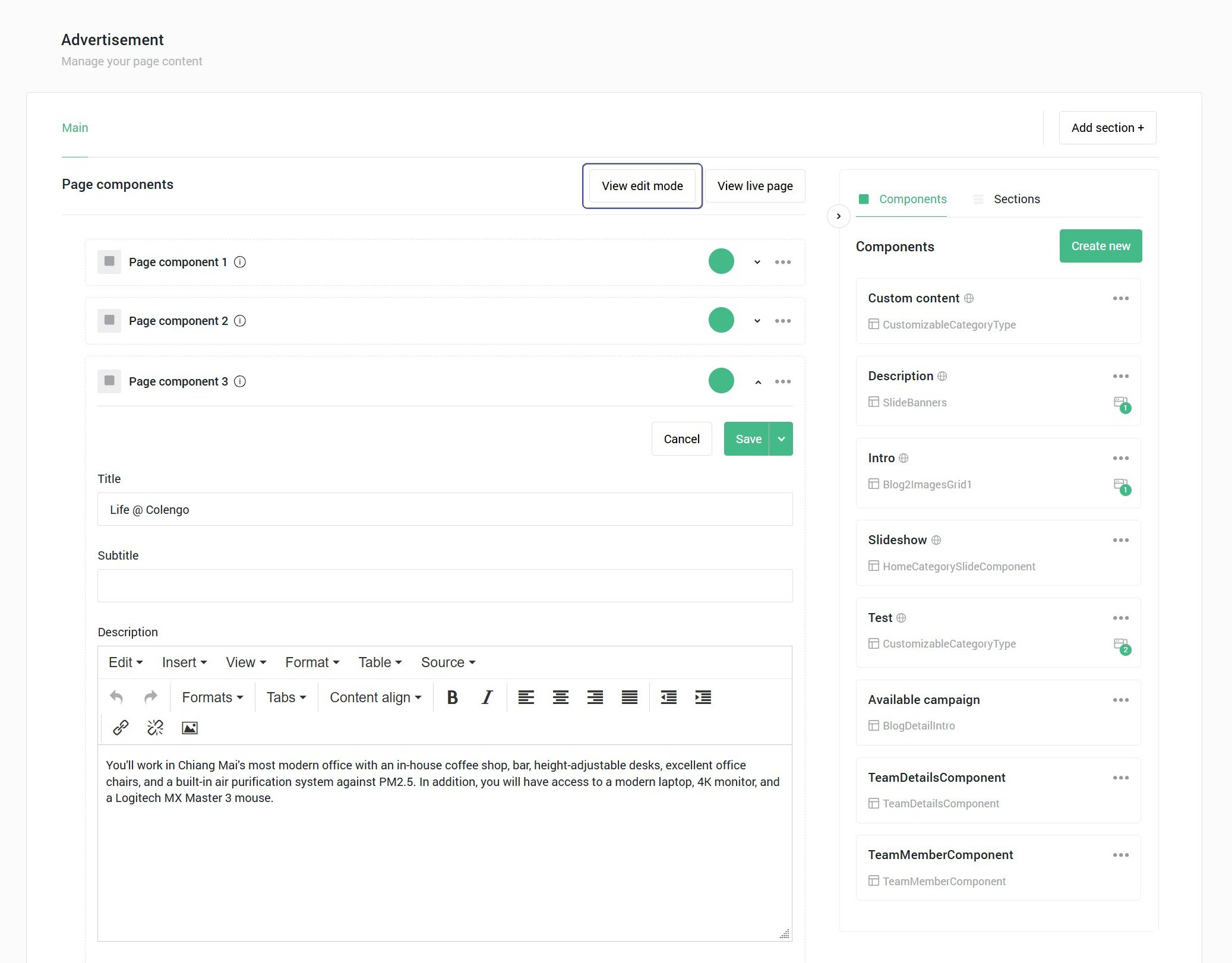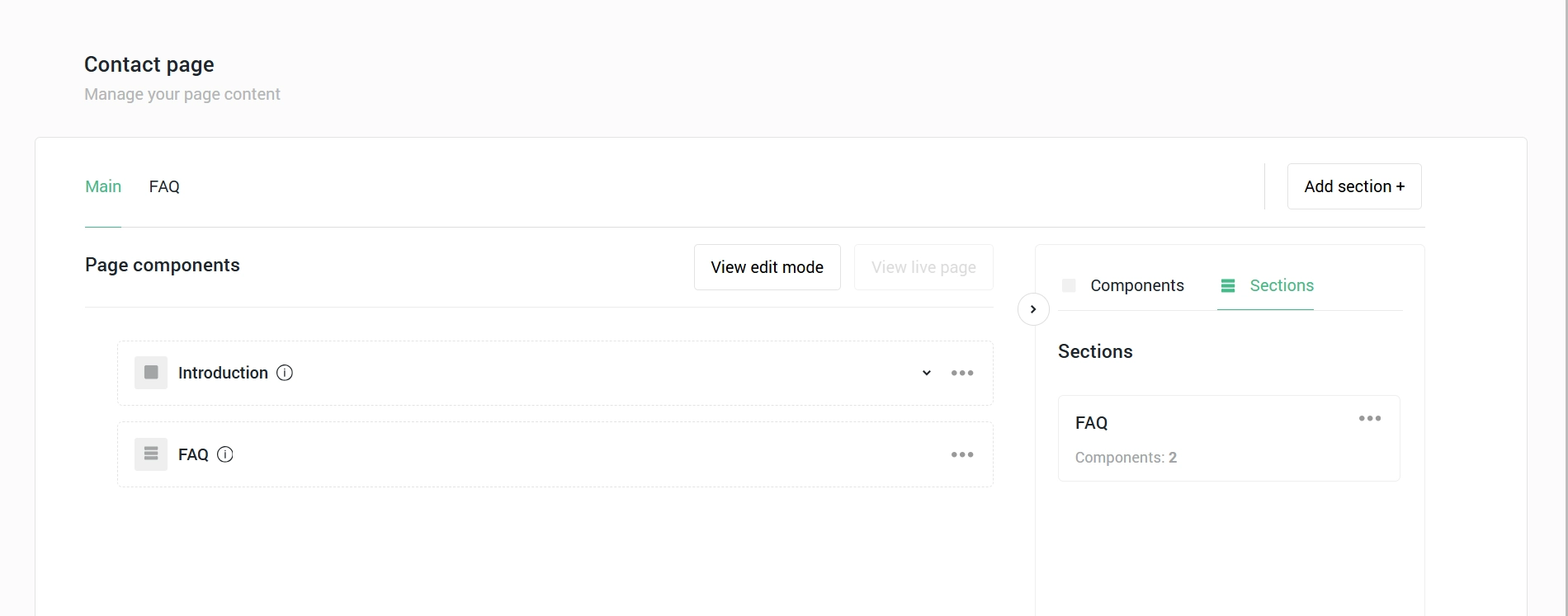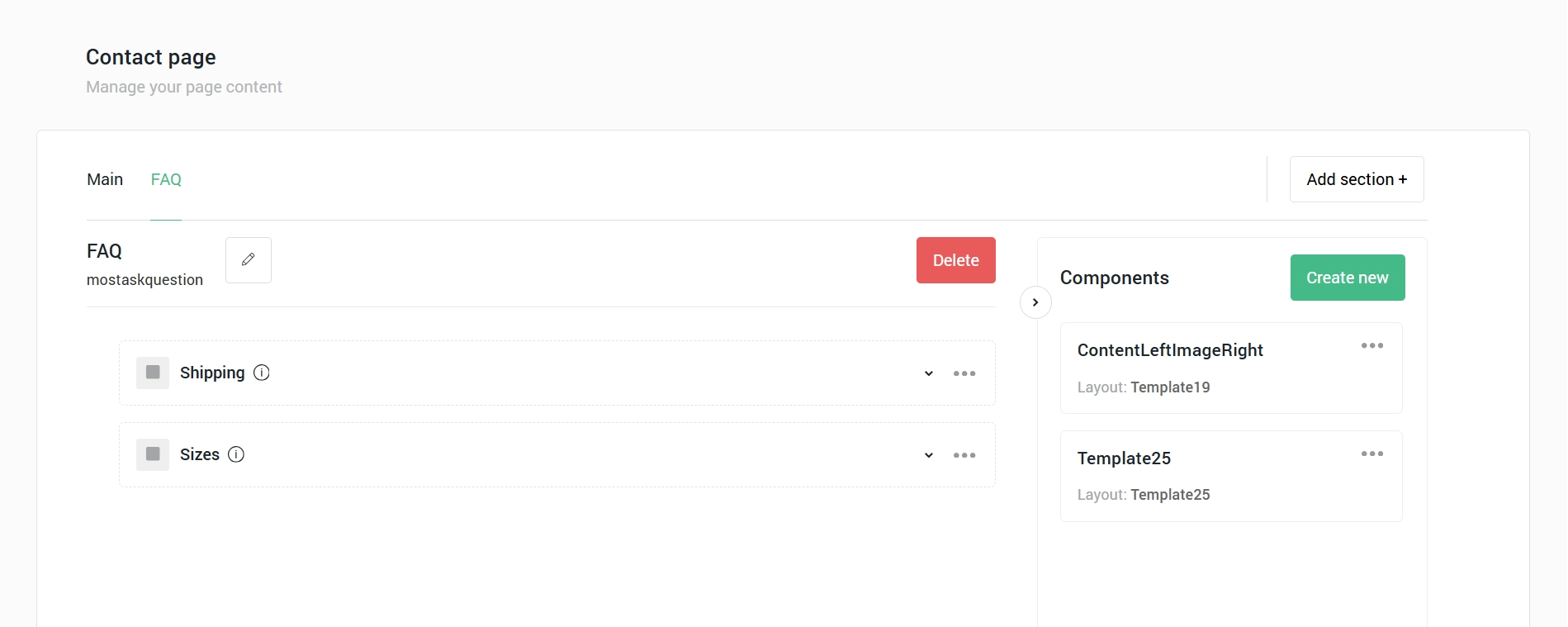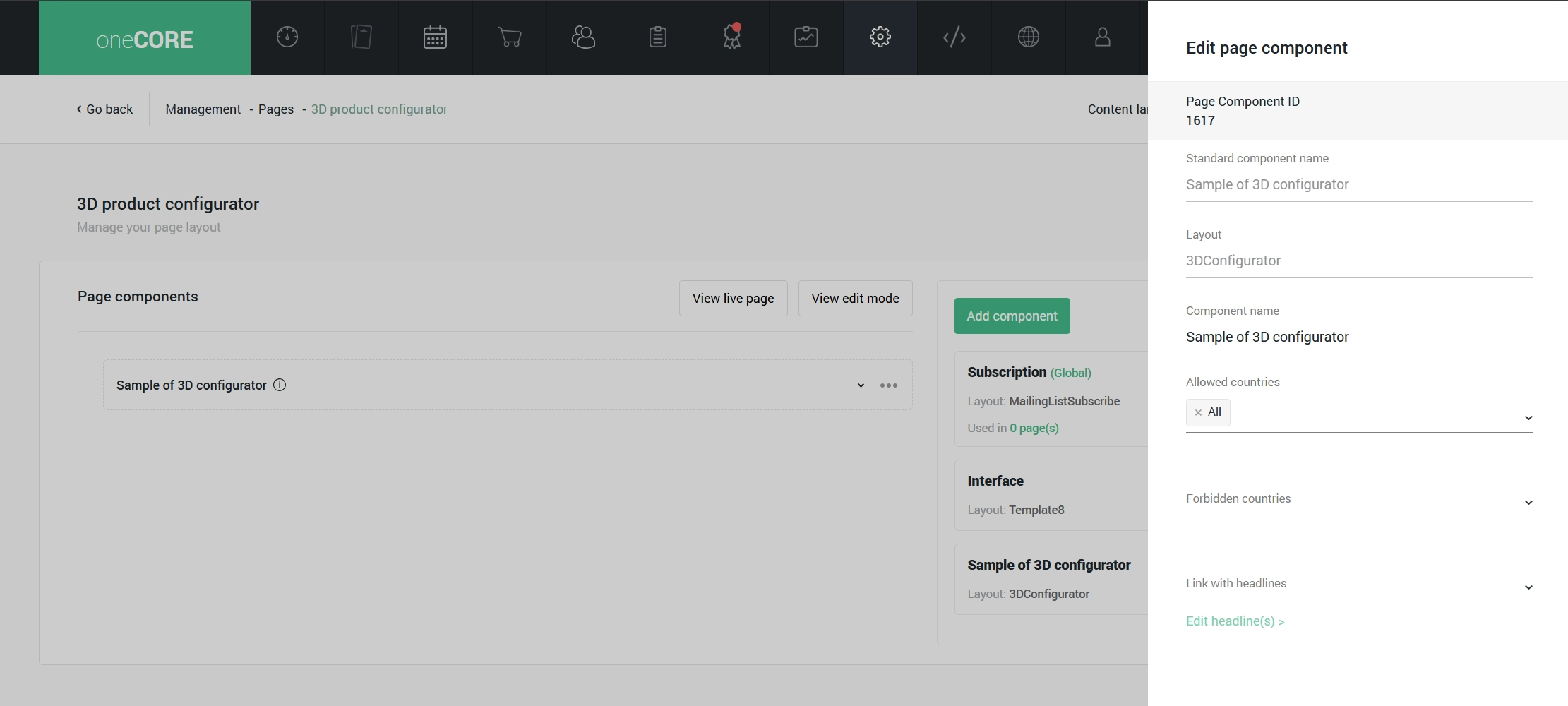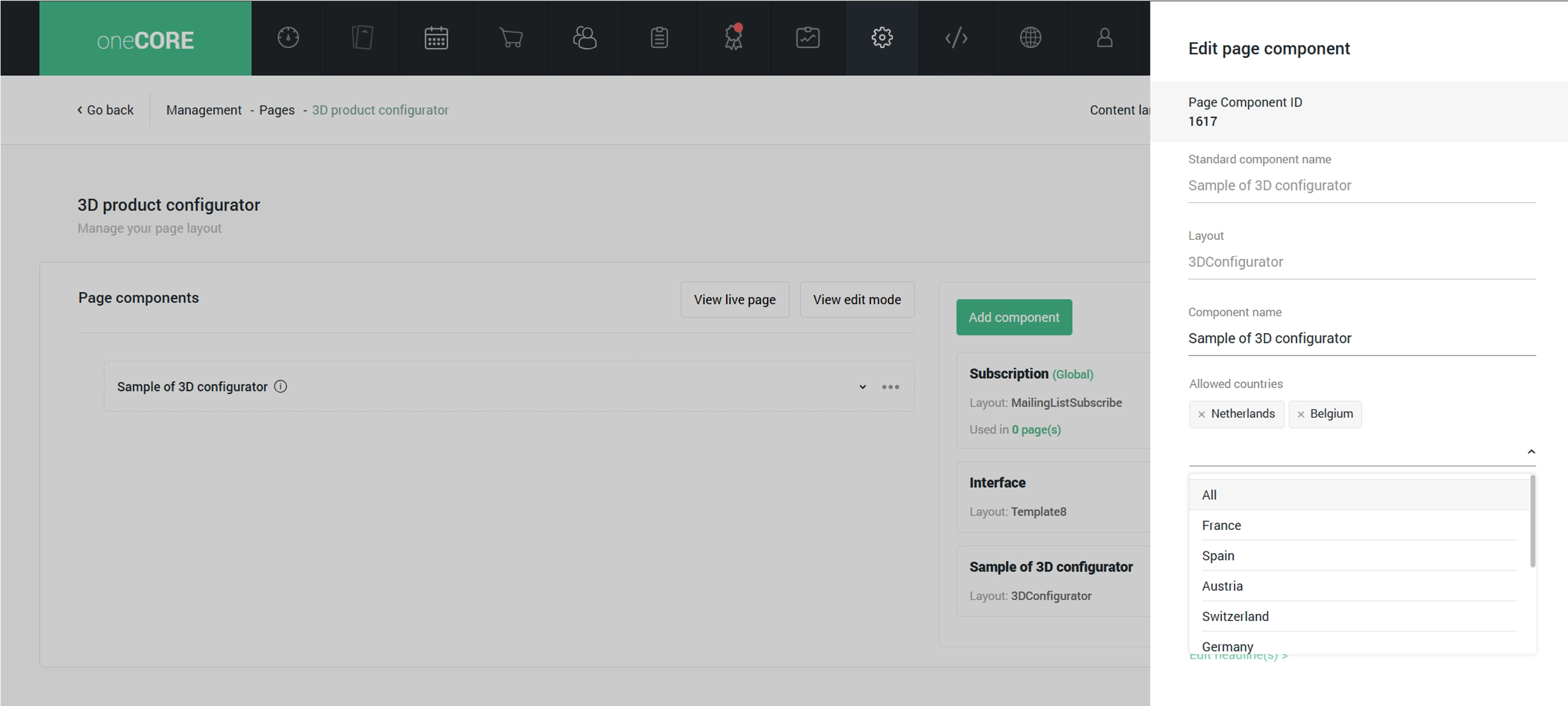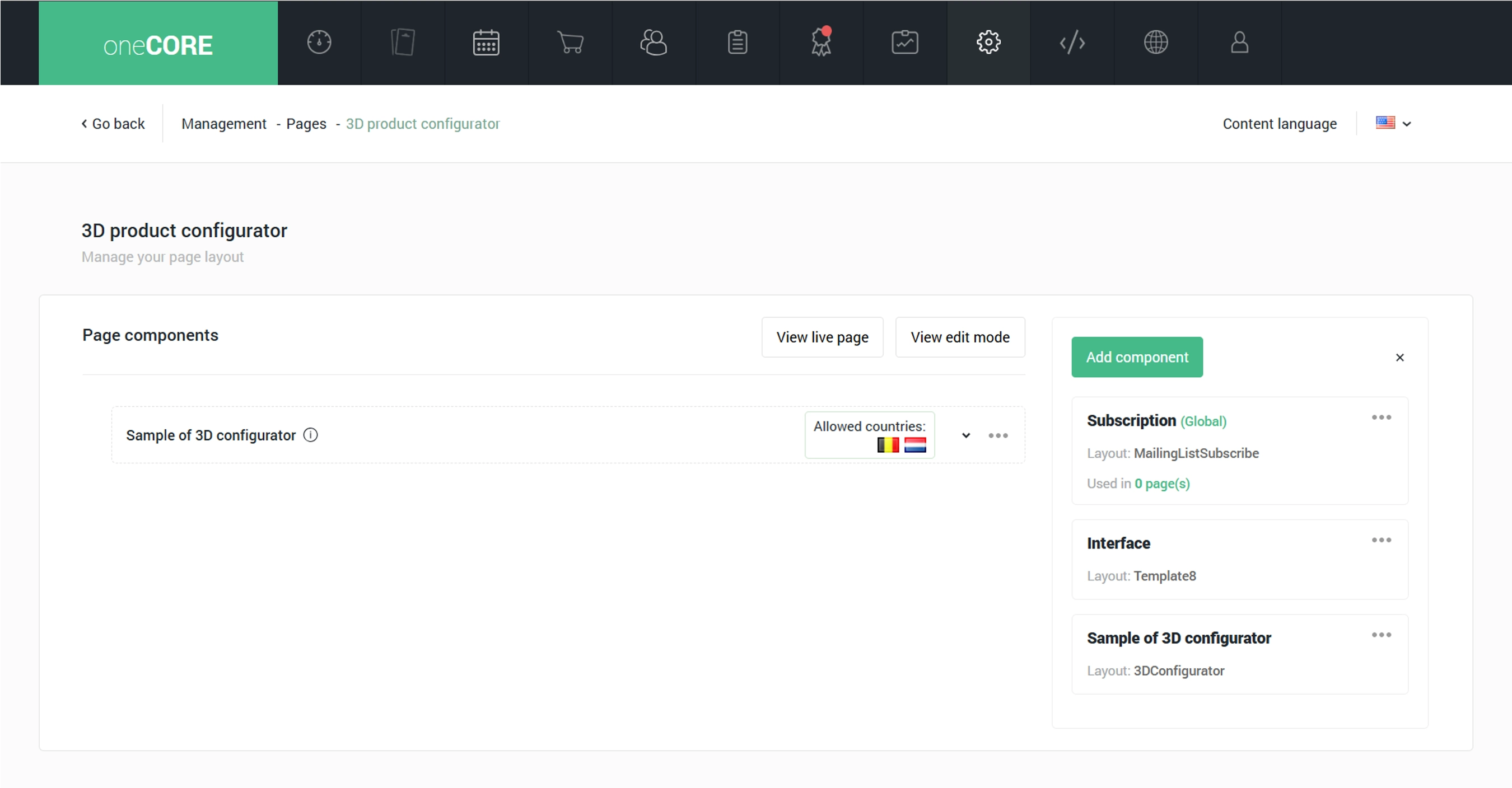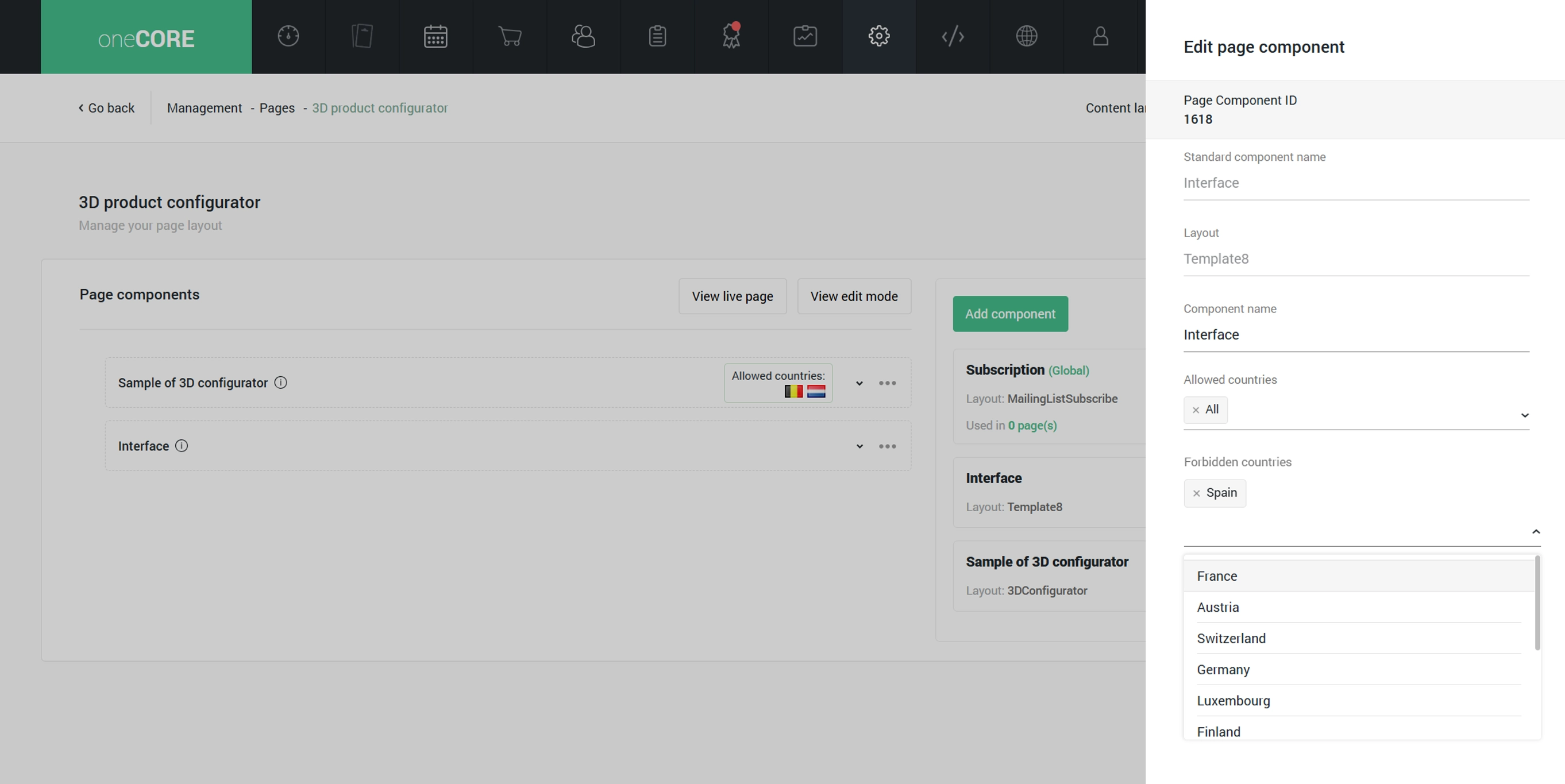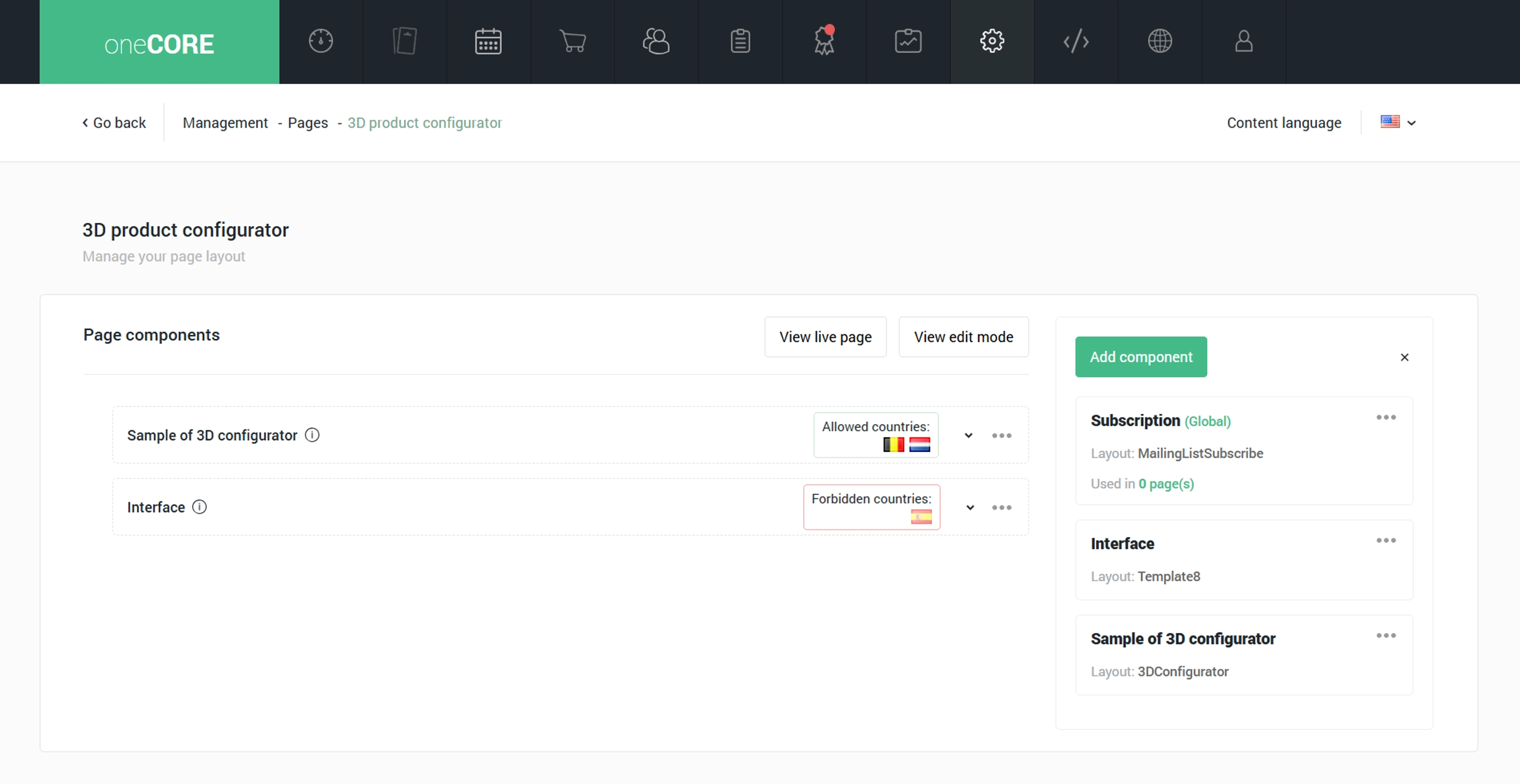

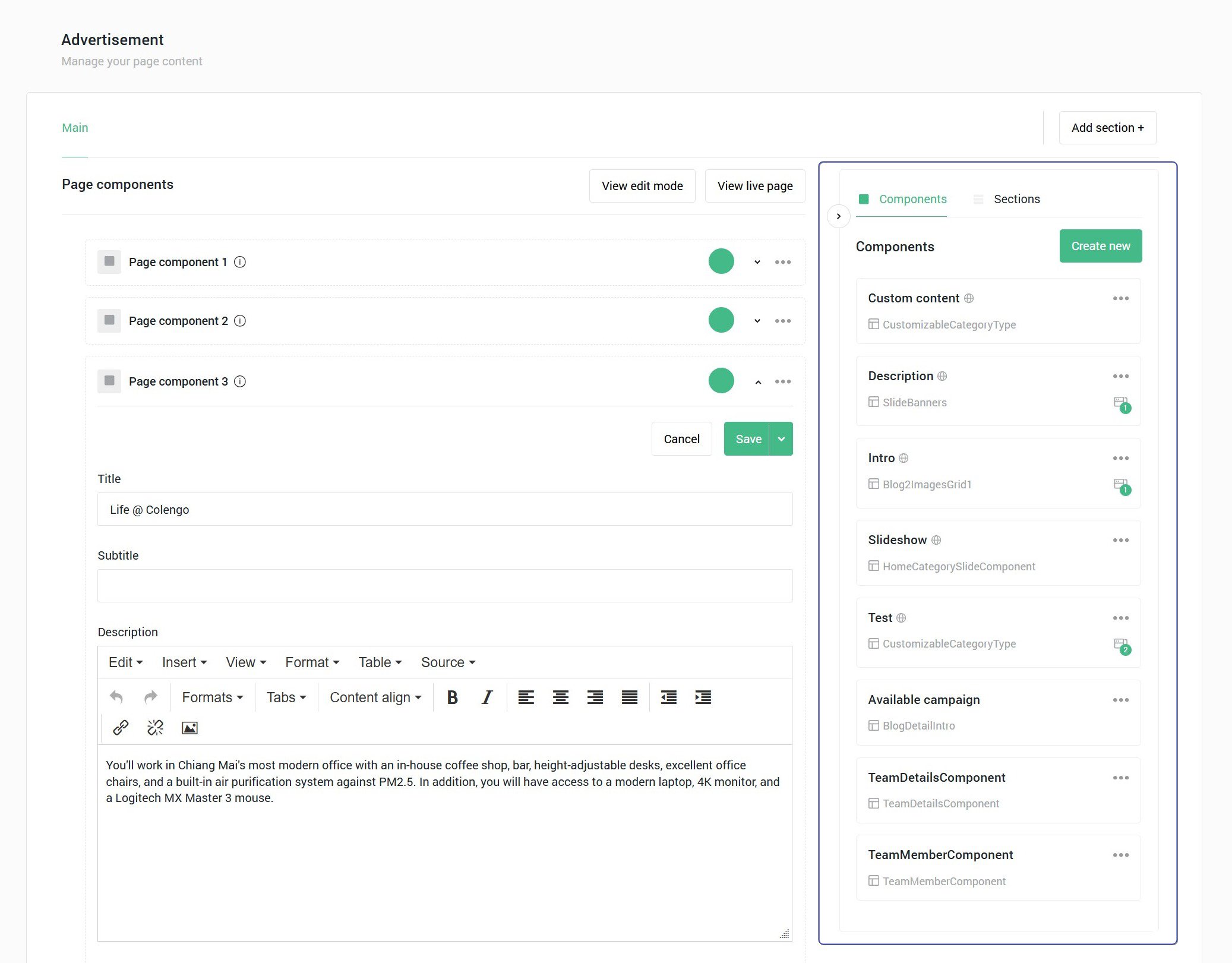
1. Page component panel displays all the page components that make up the current page. Users can add a component to a page by dragging the component to this panel. Users can manage the page components – add name, assign countries for content localization, modify content and set the component active and inactive – within this panel.
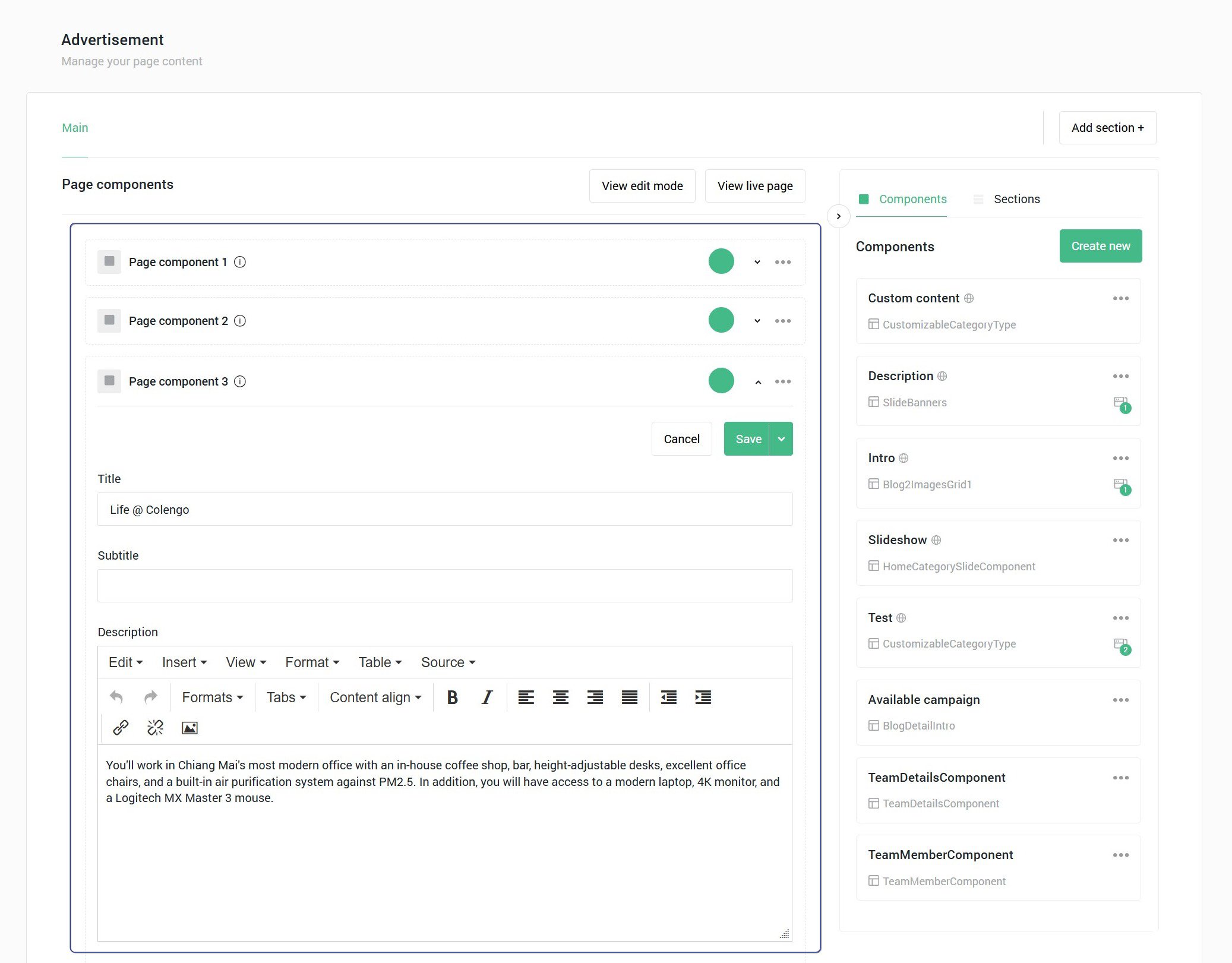
2. Component panel displays all components created on this page. Users create a component by
- Add a component name
- Select a layout
- Select a component level:
- Global – the global level is the master component. If you edit one, it will be applied to all. Additionally, the global component will be available to use on all pages.
- Specific – the specific level is the single component which can be used only on a specific page you add it to. If you edit one, it won’t be applied to another component.
- Shared - the shared component is reusable on other pages with independent content. If you edit one, it won’t be applied to another component.
3. View live page opens a live page on your website.
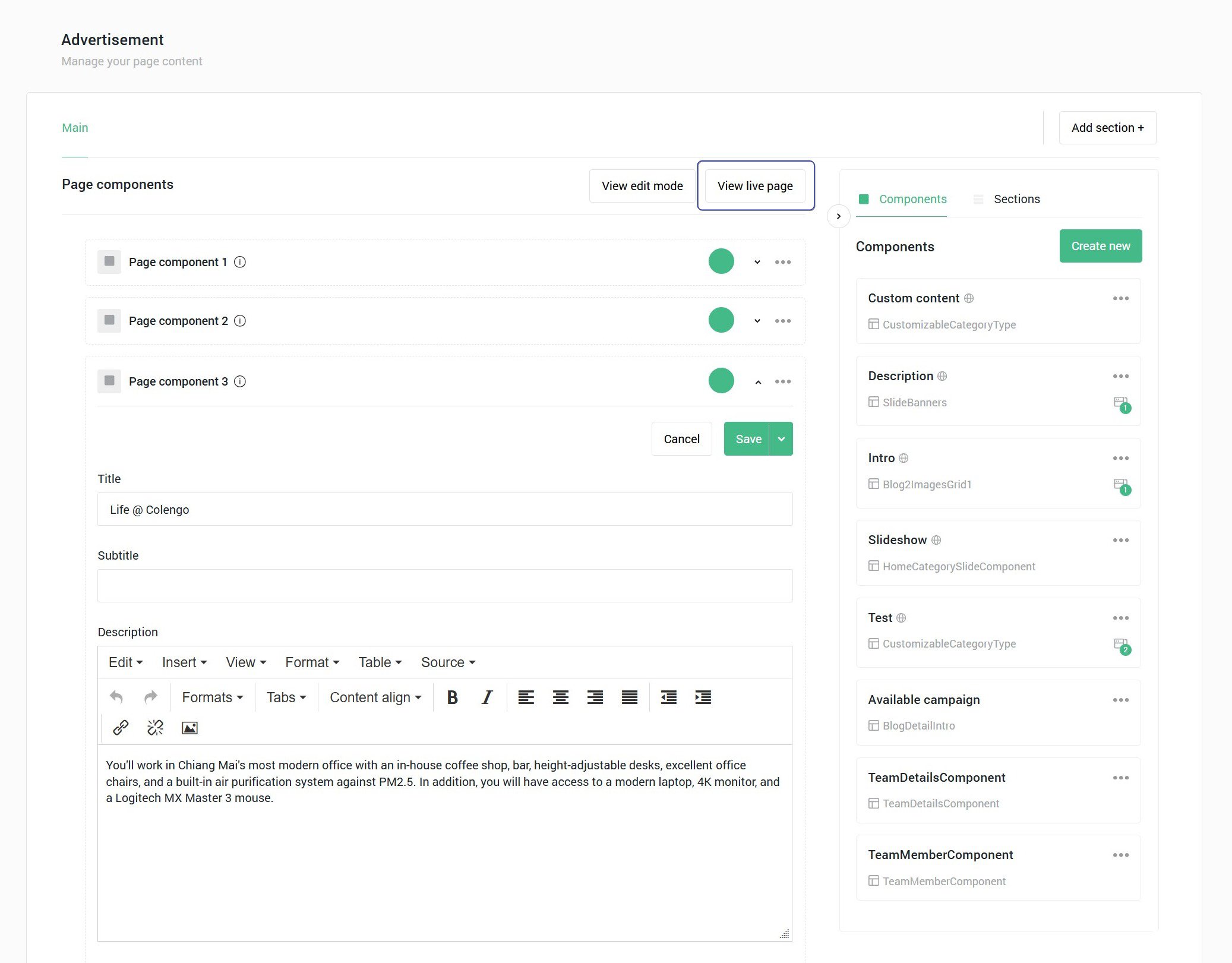
4. View edit mode opens a preview page. A preview page displays every heading tag on a page and allows users to see the preview page for each language and country in case that page contains country-specific page components.