
The configuration writes the paperwork.
- A PDF quote from every configuration
- With a picture of the product the customer made
- In your name, sent automatically
From one configuration
Everything your customer, shop and workshop need.

A PDF quote
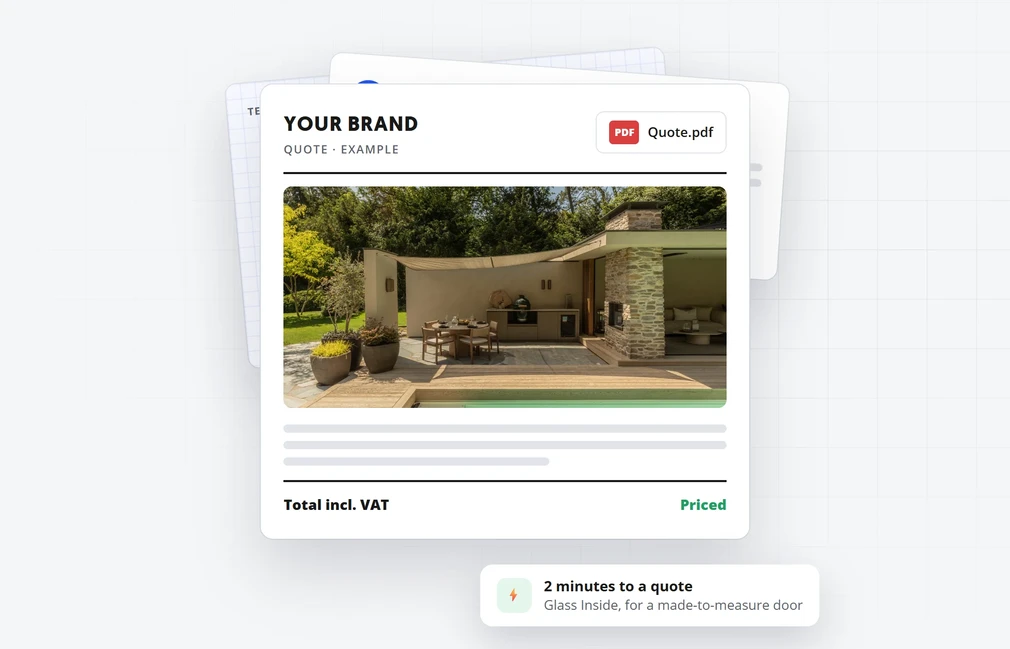
Every configuration becomes a quote automatically, with every line priced from your own price lists.
Glass Inside · Lusso Outdoor

The quote by email
When a customer finishes a configuration on the Yuna Player, the quote goes to their inbox straight away.
Yuna Player

A picture of the configuration
After configuration, an image of it is rendered in a render farm, so a high-quality product image is always ready.
Rendered configuration images

Technical drawings
COOXS's render includes technical drawings of the kitchen, so the design can go straight to production.
COOXS

Barcodes for the till
At Loods 5, each Bogard configuration is turned into barcodes for the store's own till, so customers pay the usual way.
Bogard

A lead for your sales team
Visitors configure and leave their details, and your sales team gets the lead with the full configuration.
Lead generation
How it works
Branded documents, sent automatically.
01
One click to a quote in your name.
Customers configure your product and request a quote with one click. The process from configuration to quote is fully automated, and quotes come with every oneCORE package.
- No separate quote to work out
- Prices from Excel, your ERP or oneCORE
- A faster answer to every quote request

02
Messages from your own templates.
Notification templates come with every package, and Mailgun is a standard integration for sending email. So the message around the document is yours too.
- Notification templates in every package
- Mailgun, standard in every package
- Set up once, sent every time

Customer story · Outdoor kitchens

Lusso Outdoor's quotes show the kitchen in a garden.
An outdoor kitchen has hundreds of possible combinations. Lusso Outdoor's customers build theirs in 3D, and each configuration becomes a PDF quote automatically. AI turns the configuration into a lifestyle image, so the customer sees their kitchen in a real setting, right in the quote.

Related
Related solutions.
Questions
Documents and oneCORE.
Spend your time on sales, not paperwork.
Book a 30-minute demo, or try a configurator in 3D first.