Every order, straight into your ERP.
An order placed in oneCORE appears in your ERP straight away, in Business Central through a Power Automate trigger. From order receipt to shipment, every step stays in sync between oneCORE and your ERP.

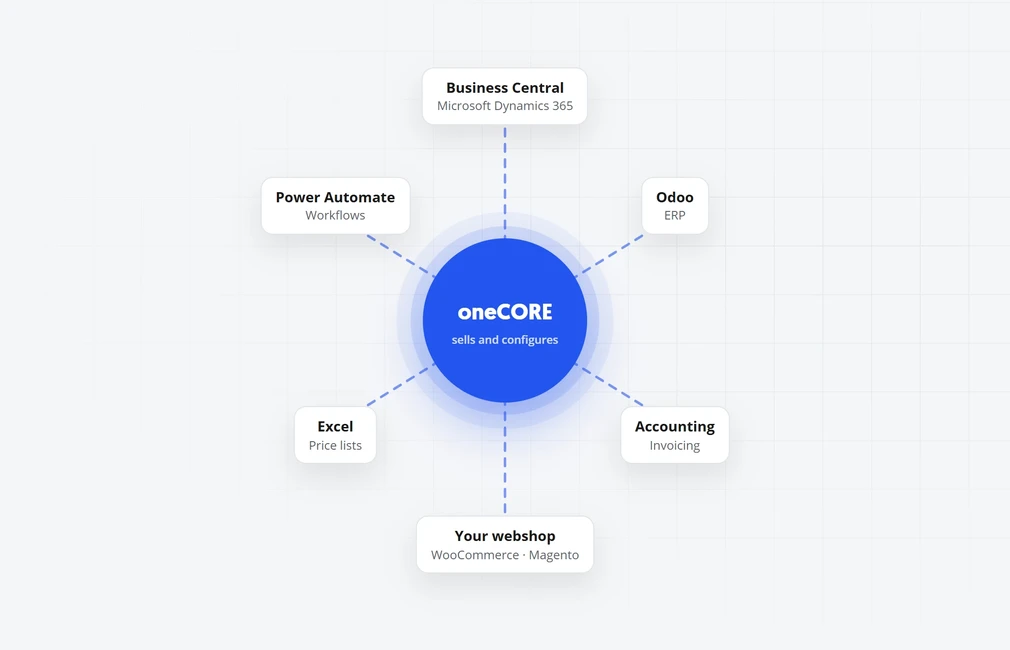
What flows
Pick one to see which way it moves and what it does for your customers and your team.
An order placed in oneCORE appears in your ERP straight away, in Business Central through a Power Automate trigger. From order receipt to shipment, every step stays in sync between oneCORE and your ERP.

Unit prices, configurable prices and pricing models stay in Business Central, and Cloudflare Workers fetch them for the webshop and the 3D product configurator alike.

Stock syncs in real time, so customers see what is in stock and you never sell more than you have.

Contact details, purchase history, payment preferences and personal settings match in both systems, which keeps service personal and marketing well targeted.

A data bridge shows Dataverse tables from Microsoft Dynamics in the customer's oneCORE account: purchase history, loyalty points and personal offers, at a glance.
ERP
One of the leading ERP systems, and a door to the Microsoft Power Platform with Power Automate and Dataverse.
A flexible ERP with apps for inventory, accounting, projects and more. oneCORE's dealer portal and webshop connect to it.
How we connect
Triggers that move an order or a customer the moment it changes.
Your own rules and price logic, as applications around oneCORE instead of separate tools.
For anything else: products, prices, languages, currencies and orders, through oneCORE's API.
Customer story · Furniture

Bogard's tables are configured on its WooCommerce webshop and on a screen at Loods 5. AI wrote the integration and our team reviewed and tested every change, so configurations and orders from both channels sync automatically into Bogard's WooCommerce.

Related
Connect The public API, webhooks, MCP and Cloudflare Workers. Explore →
Questions
Book a 30-minute demo and we'll show you how oneCORE connects to them.